Blog7 min read
How to Turn One YouTube Video Into a Blog Post
Turn one YouTube video into a blog post. Official transcript and people-first writing rails, plus a practical workflow using Repurpose AI's free tools.
- Blog Writing
- YouTube Repurposing
- Content Repurposing
- Transcripts
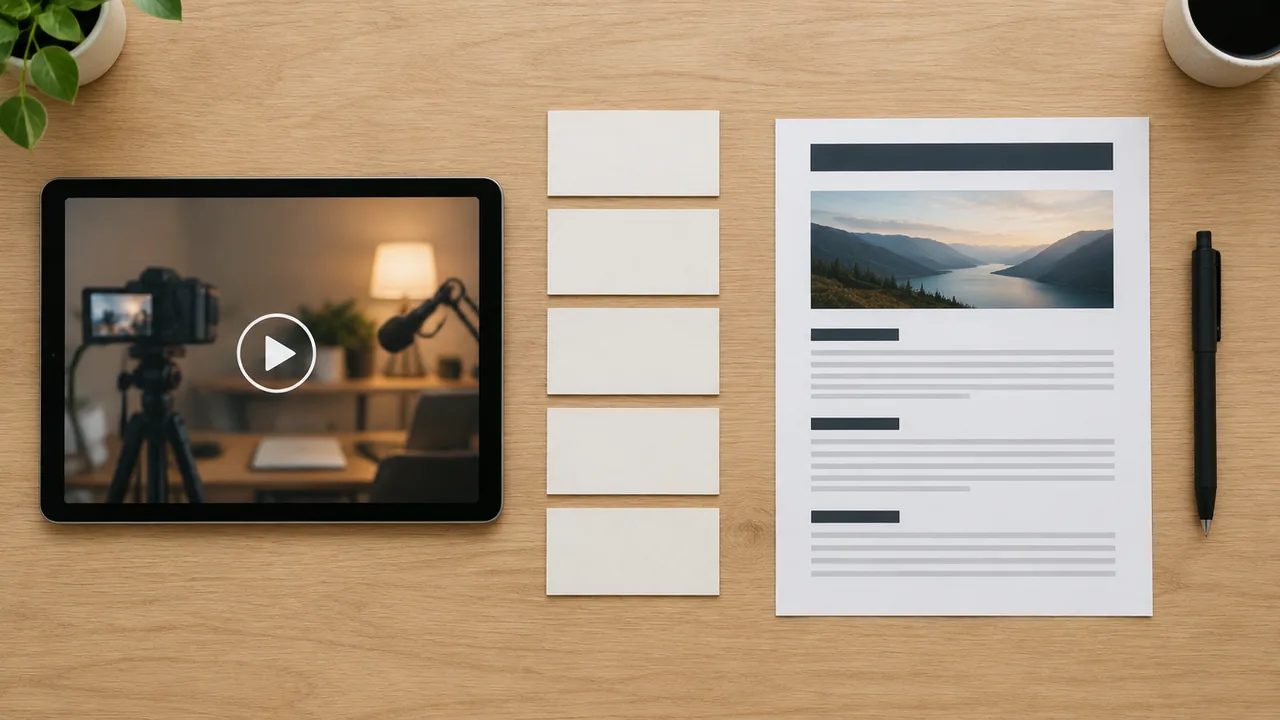
A finished YouTube video already holds the ideas. A blog post needs them in a different shape: an article people can skim, search, and share, rather than a raw caption dump or a YouTube description pasted into a CMS.
This guide covers that rebuild. It starts with the official transcript and people-first guidance, then walks through turning the video into a long-form post before you publish anything. It is not another YouTube packaging guide. For title, description, and thumbnail together, use How to Package One YouTube Video. For whether you need a full transcript or a short summary first, see YouTube Transcript vs Summary. For a short professional feed update instead of an article, see How to Turn One YouTube Video Into a LinkedIn Post.
Why a Blog Post Is a Different Job Than YouTube Packaging
YouTube packaging optimizes the watch page. A blog post has to work for someone who never presses play, so the same source video ends up with a different reader, a different structure, and a different length.
Repurpose AI's homepage lists Blog Post as one of the places you can send a video: a long article that people can find, described as easy to find, organized, and looking good. That is the target. Shipping the caption track and calling it "content" misses it.
Keep the YouTube Studio work on YouTube and the article draft on your site.
Official Rails: Transcript and People-First Writing
When captions exist, start with YouTube's View video transcripts Help page: open the video description, click Show transcript, and click any line to jump to that part of the video.
For the publishing side, use Google Search Central's Creating helpful, reliable, people-first content guidance. Its ranking systems prioritize helpful information created for people, not pages made mainly to manipulate search. A few of its self-checks apply directly here: original information or analysis rather than a copy of other sources, a main heading or page title that gives a descriptive summary without exaggerating, and a reader who leaves having learned enough to act.
Google also states there is no preferred word count, so don't pad a transcript dump to satisfy a rumor. For titles, Search Central's Influencing title links guidance asks for a descriptive, concise <title>, a clear main heading, and no keyword stuffing or boilerplate titles across every page.
Pull a Summary and a Transcript Before You Outline
Writing from memory is how people lose steps and invent quotes they never said. Pull the source text first.
- State the job: one blog post from this video, not five social captions.
- Pull a summary if the video is long and you need the shape of the argument fast. Repurpose AI's YouTube Video Summarizer takes a pasted link and returns a concise summary with key points. The free plan includes 15 uses with no credit card. Captions produce the most accurate results, and the tool is built for long-form.
- Confirm the exact wording you will quote or teach. Use Show transcript on YouTube when captions exist, or generate a clean transcript with the YouTube Transcript Generator (YouTube link or upload; captions including auto-generated ones transcribe most reliably; free plan also includes 15 uses with no credit card).
- Mark three to six section ideas a reader would scan for, not every aside from the recording.
- Only then outline and draft.
For the summary-versus-transcript decision itself, see YouTube Transcript vs Summary.
Reorganize by Reader Logic, Not Playback Order
Spoken videos wander, and a blog post can't afford to. Group related points into a few H2 sections that answer the reader's questions in a useful order. Chapter markers can help you spot the breaks, but the outline is free to rearrange them. Someone who never watches should still be able to follow the argument.
The homepage's Blog Post labels (easy to find, organized, looks good) make a decent checklist. A practical pattern:
- Intro: what the reader will get, in plain language
- H2 sections: one job each (problem, steps, constraints, mistakes)
- Lists where the video listed things
- Close: a short takeaway and a clear next step
If a section only works because of your face or tone on camera, rewrite it so the text stands on its own.
Rewrite Spoken Language Into Scannable Sections
Treat the transcript as source material, not as a draft. Cut filler, false starts, and "as I said earlier" loops. Merge fragmented sentences. Replace gestures ("like this") with the actual object or step. Keep the examples and numbers you really said, and drop the parts that only work live.
Google's people-first guidance warns against pages that mainly summarize others without adding value, and against content produced primarily to attract search visits. What you have that those pages don't is first-hand expertise from a video you already made, so keep it and make it readable. When automation or AI substantially helps create content, Search Central notes that disclosures can be useful where a reader would reasonably ask how it was made. Either way, review and edit the draft. You remain responsible for what you publish.
Write a Descriptive Title and Opening
If your watch-page title is clickbait that fails Google's title guidance, don't reuse it. Write a descriptive, concise page title and a matching main heading that summarize the article without exaggeration.
The opening lines should tell the reader what they'll get instead of starting with "In this video I talk about..." Embed or link the original YouTube video near the top for people who prefer watching. YouTube SEO packaging belongs to the packaging workflow; this article is about the post on your site.
Edit for Voice Before You Publish
Repurpose AI's homepage offers Keep Your Voice: turn it on so generated content learns how you talk from your video and writes in the same way. Use it as a starting draft for the Blog Post destination, then edit until it sounds like you rather than a generic explainer.
Before you publish, fact-check every claim against what you actually said or can source, and confirm the main heading and <title> describe this page alone. Add two or three internal links where they fit naturally, then skim the post on mobile to check that the headings carry a hurried reader.
How Repurpose AI Fits the Blog Pass
There is no dedicated /youtube-to-blog landing page on the live site today. The shipped path is the homepage flow: add your video or paste a YouTube link, then pick Blog Post as the destination. If you want the source map first, pair that with the free text tools:
- YouTube Video Summarizer or YouTube Transcript Generator for the source map
- Homepage Blog Post destination (optional Keep Your Voice) for a long-form draft
- Your own rewrite pass against people-first and title guidance
- Publish on your site after review
Browse the rest of the free toolkit from /tools when you still need titles, descriptions, or clips for other platforms.
Mistakes That Waste a Good Video
- Publishing the raw transcript with timestamps still attached
- Following playback order when the reader needs a cleaner sequence
- Padding word count because of a rumored SEO rule (Google says it has no preferred word count)
- Shipping an unedited AI draft that could belong to anyone
- Claiming rankings, traffic, or timelines you did not measure
- Treating the blog post as a second YouTube description instead of a standalone article
Avoiding these doesn't take a new tool, just a reader-first outline and a real edit.
Final Check
The draft is ready for your blog when a reader can get the point without watching, the sections follow reader logic, the spoken filler is gone, the title and main heading are descriptive rather than stuffed or shocking, and the wording sounds like you.
Start from a summary or transcript, open the homepage to generate a Blog Post draft if you want the long-form pass, edit it, then publish on your site. For more free YouTube tools in one place, use /tools.