Blog5 min read
Repurpose.io vs Repurpose AI: Which One Do You Need?
Repurpose.io auto-distributes videos you already posted. Repurpose AI turns one long video into Shorts, clips, and written posts. Features and prices from each site.
- Repurpose AI
- Content Repurposing
- Comparisons
- Tools
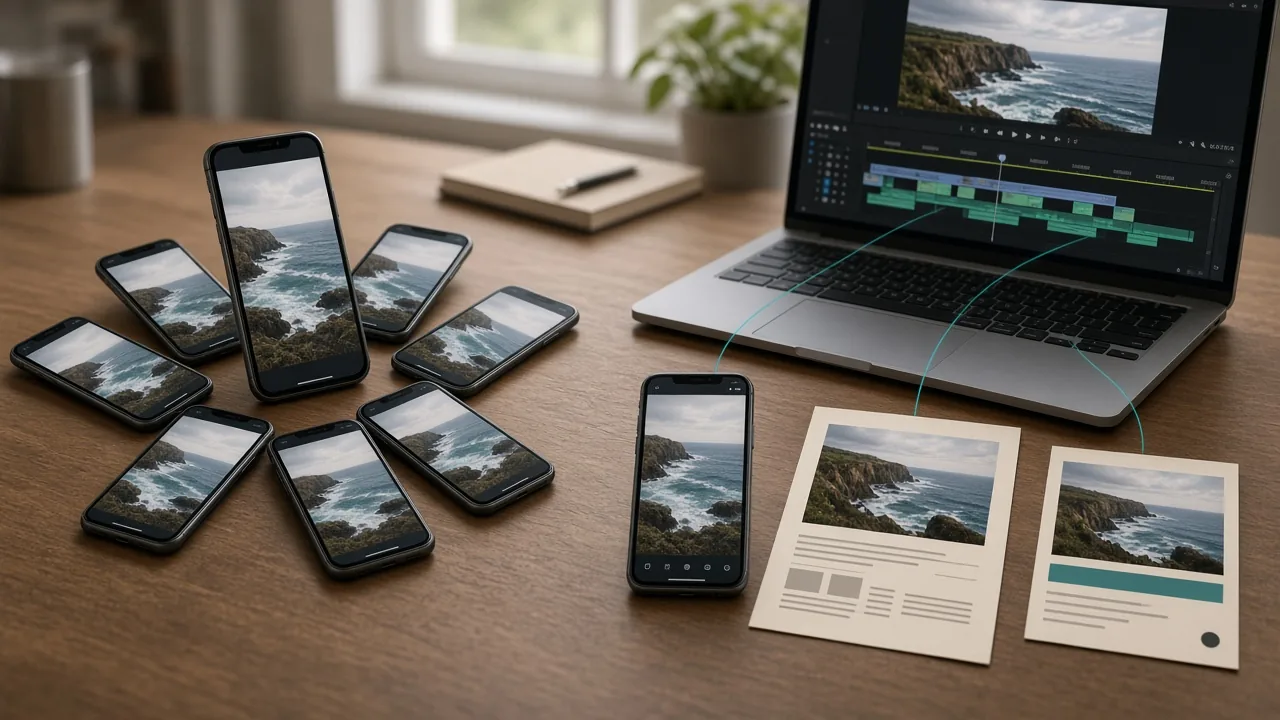
People searching for "repurpose ai" often end up on Repurpose.io, and people looking for Repurpose.io sometimes end up here. The names are a letter apart. The tools aren't. Repurpose.io moves content you already made to more places. Repurpose AI makes new content out of a long video.
We make Repurpose AI, so read this with that in mind. Every Repurpose.io detail below comes from its own homepage, pricing page, or help center as we read them on November 14, 2026. Plans change, so check their pages before you buy.
The Short Answer
Go with Repurpose.io if you already post finished short videos on one platform and want copies to show up on your other accounts without touching them.
Go with Repurpose AI if you have a long video, say an interview or an episode, and want Shorts, feed clips, and written posts for X, LinkedIn, Instagram, or a blog made from it.
Some people will want both: Repurpose AI to make the content, Repurpose.io to spread it across a lot of accounts.
What Repurpose.io Does
Repurpose.io calls itself an "automated content repurposing & distribution platform." Its homepage says: "Post on one platform. Your content gets repurposed everywhere else," and promises watermarks removed and captions intact (Repurpose.io).
You set up workflows once. After that, its FAQ says content is pulled from your source, like TikTok or Instagram, and published to the destinations you picked, resized and without watermarks. It lists connections to YouTube, TikTok, Instagram, Facebook, Snapchat, Pinterest, LinkedIn, X, Amazon, Bluesky, Twitch, Google Drive, and Dropbox, and it now handles Stories, photos, carousels, and slideshows too.
It does have a clip tool. Its help center describes snippets you set by start and end time, an option that cuts one snippet from the start of each video, and an option that splits a video at the timestamps in its description (Repurpose.io help: snippets). Its help center also says, "Repurpose doesn't generate automatic captions." It can burn in captions that already exist on YouTube or Facebook, or an SRT file you upload (Repurpose.io help: captions).
Pricing is in US dollars. Starter is $35 a month for up to 3 accounts per social network and 5,000 published videos a month. Pro is $79 a month for up to 10 accounts per network, and Agency is $179 a month for up to 25. Yearly plans are $349, $790, and $1,790. The trial lasts 14 days or 10 published videos, whichever comes first, with no credit card (Repurpose.io pricing).
What Repurpose AI Does
Repurpose AI starts from one long video, a YouTube link or an upload, and makes new things from it (homepage).
For video, it suggests moments for clips. You fine-tune the start and end times, then render MP4s: vertical 9:16 for YouTube Shorts and Instagram Reels, square 1:1 for the Instagram feed, and widescreen 16:9 for X. Hooks and on-screen captions are part of the clip workflow. Not sure which shape you need? See YouTube clip formats: 9:16, 1:1, and 16:9.
For writing, the same video becomes an X thread, a LinkedIn post, a Facebook post, an Instagram caption, a blog post, website copy, a Reddit post, or a Quora answer. A "Keep Your Voice" option learns how you talk from the video so the posts sound like you.
You can copy posts and download clips on any plan. Pro adds publishing and scheduling to YouTube, Instagram, Facebook, LinkedIn, and X, plus a content calendar. Those features are in beta, are Pro only, and are powered by Postiz.
The free plan has 5 credits and needs no card. Pro Monthly is ₹699 for 100 credits, and Pro Yearly is ₹7,689 for 1,200 credits. Each platform you generate uses 1 credit, and each render or regeneration uses 1 more, so finding Shorts in one video and rendering one clip uses 2 credits (pricing). The full breakdown is in Repurpose AI Pricing Explained.
Side by Side
| Repurpose.io | Repurpose AI | |
|---|---|---|
| Main job | Copy posted content to your other accounts automatically | Turn one long video into clips and written posts |
| Starts from | A video or post already on a platform, or in Drive/Dropbox | A YouTube link or an uploaded long video |
| Clips | Manual snippets, one auto snippet from the start, or splits at description timestamps | Suggested moments you trim, rendered at 9:16, 1:1, or 16:9 |
| Captions | Burns in existing YouTube/Facebook captions or your SRT file | Hooks and on-video captions in the clip workflow |
| Written posts | Not listed on its site | X, LinkedIn, Facebook, Instagram, blog, website, Reddit, Quora |
| Publishing | The core feature, across many networks | Beta, Pro only: YouTube, Instagram, Facebook, LinkedIn, X |
| Free option | 14-day trial or 10 videos, no card | 5 credits, no card |
| Paid from | $35/month | ₹699/month for 100 credits |
Which Job Is Yours?
If you film short videos for TikTok every day and also want them on Reels, Shorts, and Facebook, your problem is distribution. Repurpose.io is built for that, especially if you run several accounts per network.
If you record one long video a week and post nothing else because cutting clips and writing posts takes too long, your problem is creation. That's what Repurpose AI does. The step-by-step version is in How to Repurpose Content With AI.
Got both problems? The tools don't get in each other's way. You could make your clips and LinkedIn post in Repurpose AI, then let a distribution tool handle the copies.
One tip if you try Repurpose.io's timestamp splitting: it relies on clean timestamps in your YouTube description. Our guide on adding YouTube chapters with timestamps covers the format.
For a wider look at other tools by job, see Best Repurpose AI Alternatives in 2026.
Try Repurpose AI on One Video
The fastest way to see the difference is to run one of your own long videos through it. Start with the 5 free credits, pick YouTube Shorts or feed clips, add a LinkedIn post or X thread, and see what comes back. For the bigger picture, read What Is Repurpose AI? or browse all tools. If you're still deciding what kind of tool you need, What Is an AI Content Repurposing Tool? walks through the types and a buyer checklist.