Blog6 min read
What Is Repurpose AI? A Plain Guide to AI Content Repurposing (2026)
What repurpose AI means, how AI content repurposing turns one video into Shorts, clips, and posts, what Google says about AI-assisted content, and how the Repurpose AI app works.
- Content Repurposing
- Repurpose AI
- YouTube Repurposing
- Guides
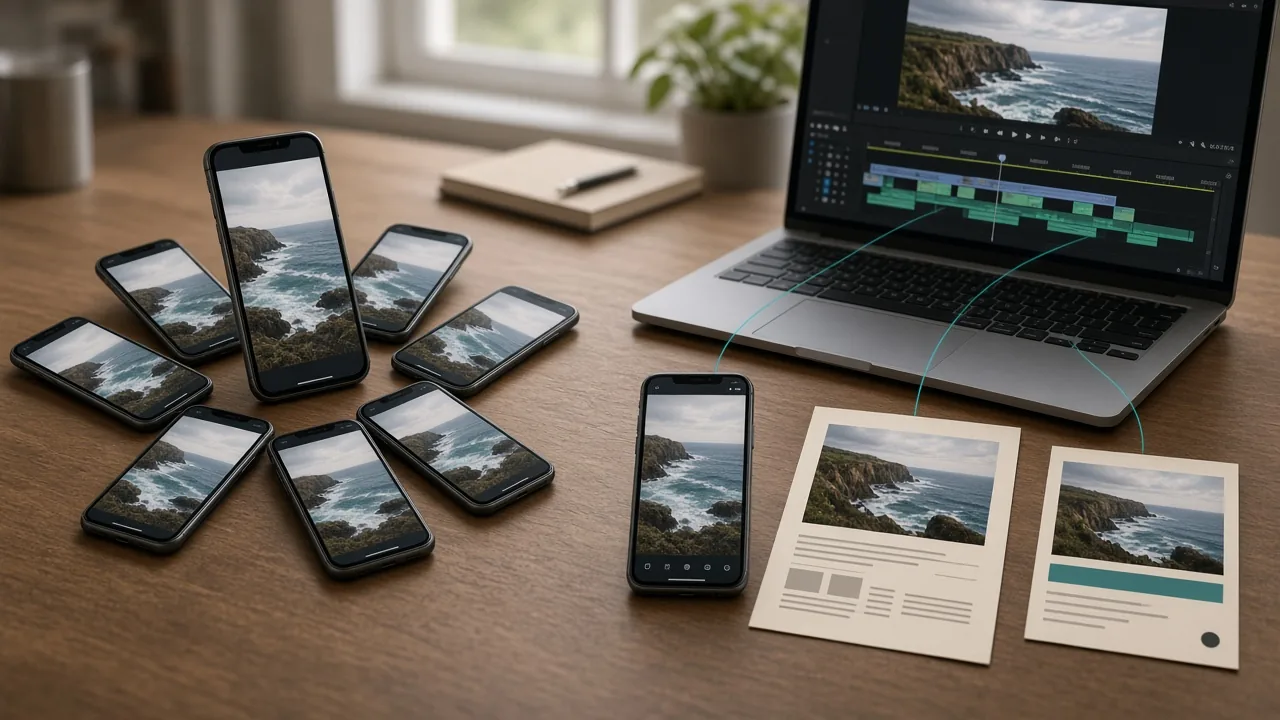
People use "repurpose AI" in two ways. Sometimes they mean the general practice of using AI to turn one piece of content into many. Sometimes they mean this product, Repurpose AI. This post covers both, and it links to every repurposing how-to on this blog.
What Repurpose AI Means
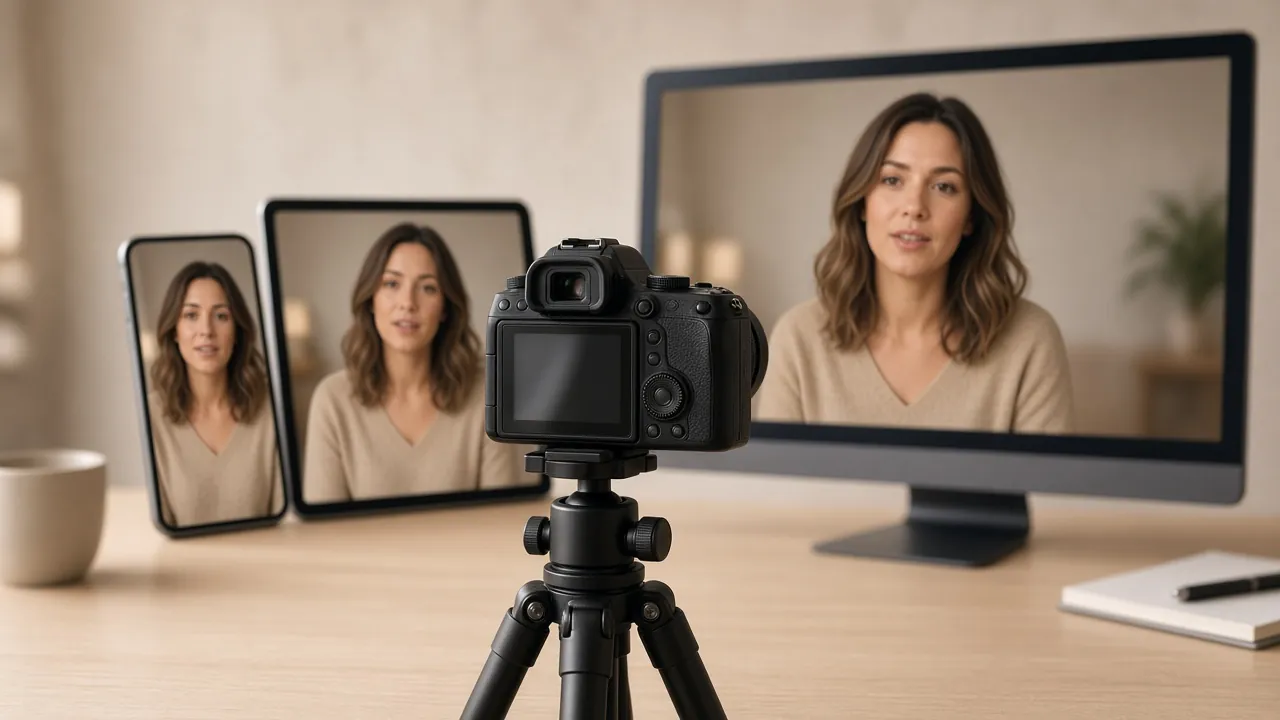
Content repurposing is taking something you already made and reshaping it for a different place or audience. A one-hour interview can become a few Shorts, a LinkedIn post, an X thread, and a blog article. The ideas stay the same. The format, length, and tone change to fit where they're going.
Repurpose AI, as a practice, means letting AI do the first draft of that reshaping. Instead of scrubbing through a long video to find the best minute, or rewriting your points by hand for every platform, an AI tool reads the transcript, suggests moments, and drafts platform-specific copy. You still decide what's worth sharing.
Repurpose AI, the product, is a tool built around exactly that job. Its homepage puts it simply: "One video. More everywhere."
Why Creators Repurpose Content
Our About page makes the point that a finished video holds more than one piece of content: a moment worth clipping, an insight worth writing about. That's the whole reason repurposing exists.
The practical case is time. Making a new idea from scratch for every platform is slow. Starting from something you've already researched, recorded, and edited is faster, and your message stays consistent across places.
There's also reach. People who never watch long videos may still see a Short, read a LinkedIn post, or find a blog article in search.
How AI Content Repurposing Works
Most AI repurposing tools work in roughly the same order. Here's how it goes in Repurpose AI:
- Bring a source. In Repurpose AI you paste a YouTube link or upload a video.
- Get the words out. The tool works from the video's transcript or captions. Our homepage FAQ notes that videos without available captions may fail to transcribe.
- Choose outputs. Pick video formats, written formats, or both.
- Let AI draft. The tool suggests clip moments and writes copy shaped for each platform.
- Review and edit. You adjust clip start and end times, rewrite lines that don't sound like you, and drop what doesn't fit.
- Export or publish. Download rendered clips, copy your posts, or publish from the app if your plan supports it.
Each format has its own guide below.
What You Can Make From One Video
Here is what Repurpose AI currently lists as destinations on its homepage, grouped by type, with the how-to guide for each.
Short Video Clips
- YouTube Shorts and Instagram Reels: vertical 9:16 clips with hooks and on-video captions. See How to Turn a Long YouTube Video Into Shorts and the YouTube to Shorts tool.
- Square and widescreen feed clips: 1:1 for an Instagram feed video and 16:9 for X. See Which YouTube Clip Format to Use: 9:16, 1:1, or 16:9 and the YouTube to Video Clips tool.
YouTube's own Help Center says a Short can be up to 3 minutes long, with a square or vertical aspect ratio (YouTube Help).
Social Posts
Long-Form Writing
- Blog posts and website copy.
Supporting Pieces
Repurposing also covers the material around a video. The tools page includes a Transcript Generator, a Video Summarizer, and generators for titles, descriptions, and thumbnails. For how these fit together, see YouTube Transcript vs Summary, How to Package One YouTube Video, and How to Add YouTube Chapters With Timestamps.
If you're on the other end, planning the video in the first place, the Script Generator and the free Online Teleprompter help with that. See How to Write a YouTube Script.
Does AI-Repurposed Content Hurt SEO?
Not by itself. Google's guidance is that it rewards quality "however it is produced." In its post on AI-generated content, Google says "appropriate use of AI or automation is not against our guidelines," and that using automation "with the primary purpose of manipulating ranking in search results is a violation of our spam policies" (Google Search Central Blog).
Google's helpful content guidance adds a useful warning. Its quality raters treat "using generative AI to produce large amounts of text without manual oversight or curation" as little to no effort (Google Search Central). Starting from your own video helps, because the ideas and examples are already yours. Editing the drafts is how you keep them that way.
Where AI Repurposing Helps and Where It Doesn't
It's good at the slow, mechanical parts. It finds candidate moments, pulls a transcript, drafts copy in the right shape for each platform, and resizes clips.
It doesn't replace judgment. AI can pick a moment that's technically interesting but out of context. It can write a post that's accurate but doesn't sound like you. Every platform also has its own norms, and communities like Reddit and Quora have explicit rules about self-promotion. That's why each how-to guide above starts with the platform's rules before the writing.
Repurpose AI has a "Keep Your Voice" option that learns how you talk from your video and writes in the same way. It's still a draft you should read before posting.
How the Repurpose AI App Works
These details come from the live homepage and pricing page. Check those pages for current numbers.
- Start free with 5 credits and no credit card.
- Each platform you generate uses 1 credit. Each video render, image generation, or regeneration uses 1 more. Finding Shorts from one video and rendering one clip uses 2 credits.
- Credits are shared across tools and do not reset daily.
- Pro Monthly is ₹699 a month for 100 credits. Pro Yearly is ₹7,689 a year for 1,200 credits.
- Free and Pro use the same creation tools. Pro adds more credits plus direct publishing, scheduling, and a content calendar for YouTube, Instagram, Facebook, LinkedIn, and X. Those are in beta and powered by Postiz.
- Free users can still copy posts and download rendered clips.
How to Choose an AI Content Repurposing Tool
If you're comparing tools, ask a few plain questions:
- What can it take in? A YouTube link, an uploaded file, audio only?
- What does it produce? Clips only, posts only, or both?
- How much control do you get? Can you change clip timing and edit the text before it goes out?
- How is it priced? Subscription, credits, or both, and do credits expire or reset?
- Does it publish for you, or do you copy and post by hand?
The answers depend on you. A podcaster who only needs clips wants something different from a solo creator who also writes a LinkedIn post every week.
Getting Started
Pick one video you're proud of, ideally one that answers a clear question or tells a good story. Run it through once, choose two or three formats, and edit the drafts until they sound like you. Then decide which formats are worth doing every time.
You can try the full workflow on the Repurpose AI homepage with 5 free credits.